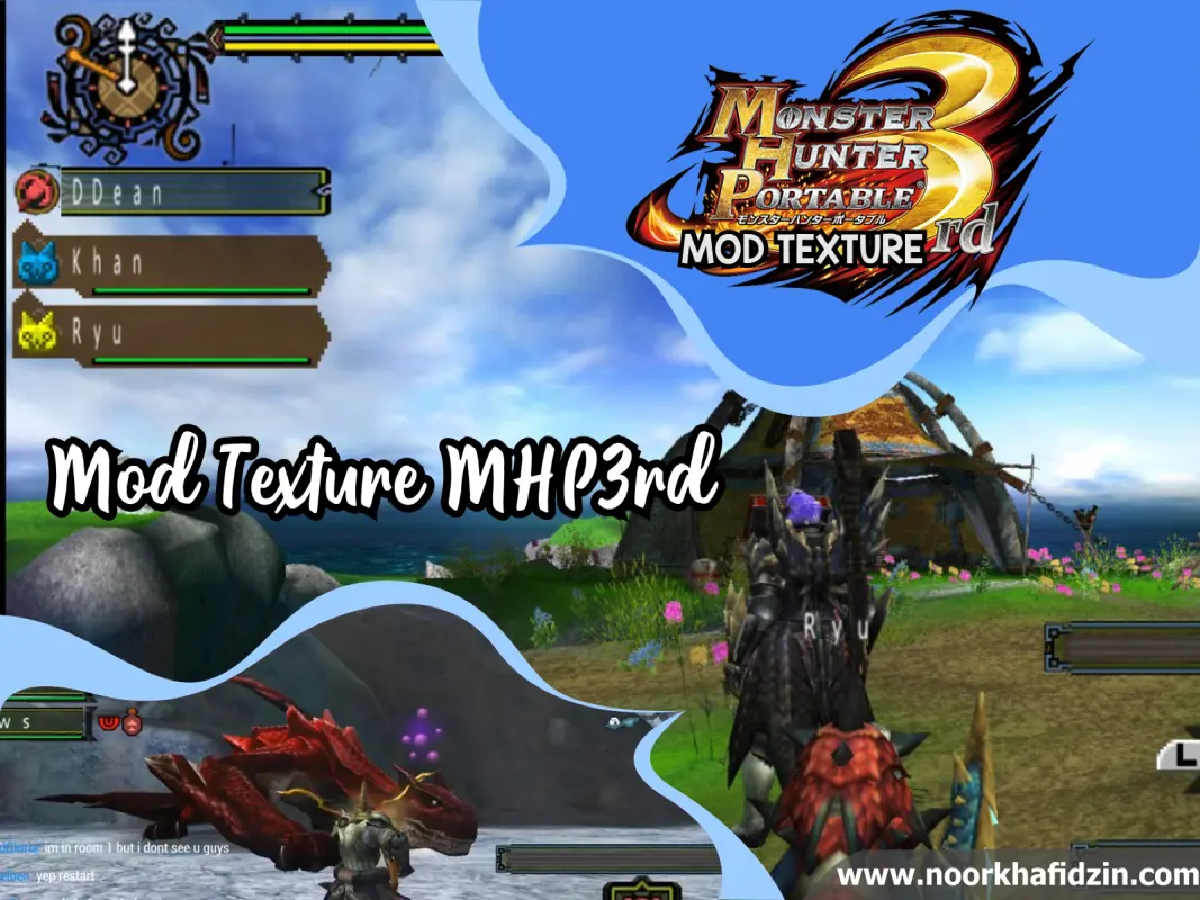


Elevate your hunting experience with the most comprehensive mhp3rd texture pack available. This mhp3rd mod hd texture transforms the classic Monster Hunter Portable 3rd visuals into high-definition, making it the perfect companion for your PPSSPP or Amultios emulator. It is the ultimate monster hunter portable 3rd hd texture ppsspp download option for the uljm05800 version.
Game Overview:
- Title: Monster Hunter Portable 3rd (MHP3rd)
- Genre: Action RPG
- Platform: PSP (Optimized for PPSSPP)
Key Features of the MHP3RD Mod & Texture Pack #
This mhp3rd texture pack isn’t just a simple upscale; it is a full-scale mhp3rd mod that enhances several core aspects of the game:
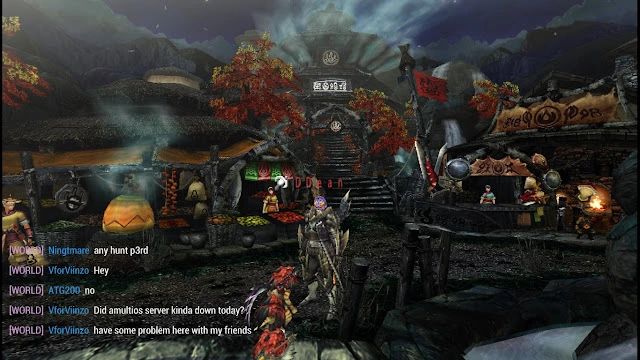
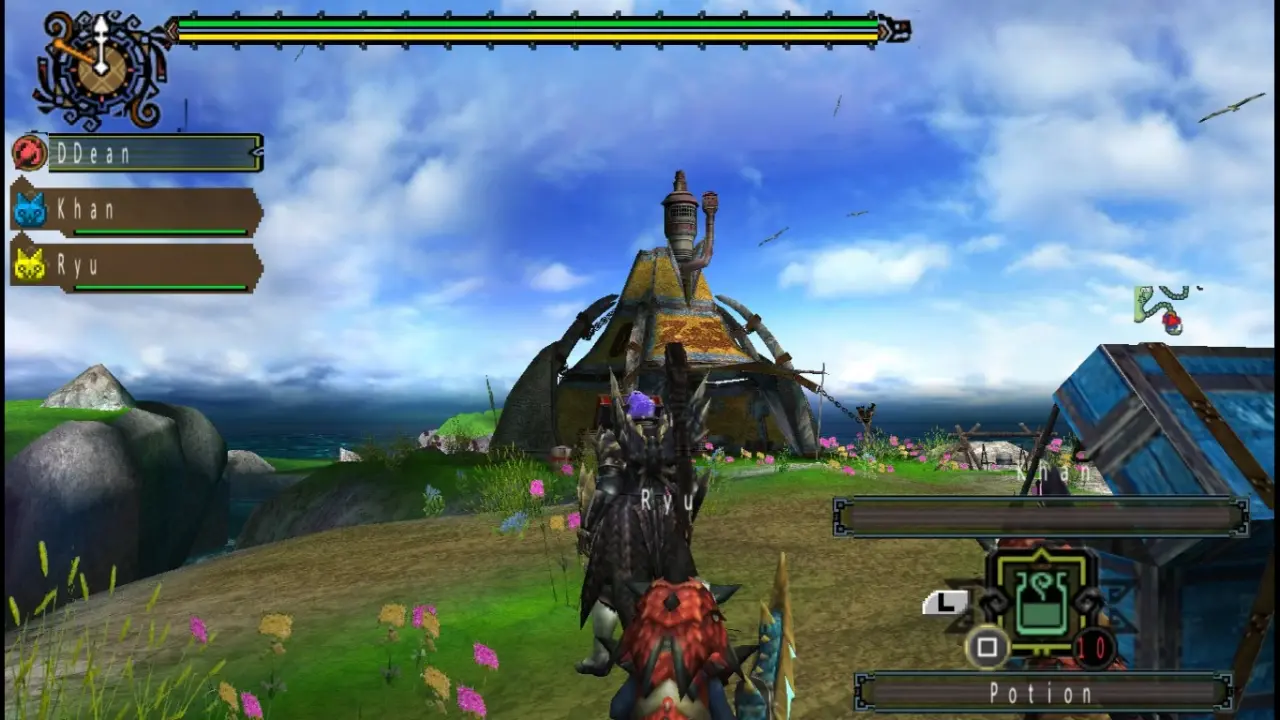
- Nightmare Town Village Mod: Experience a redesigned, more atmospheric hub area.
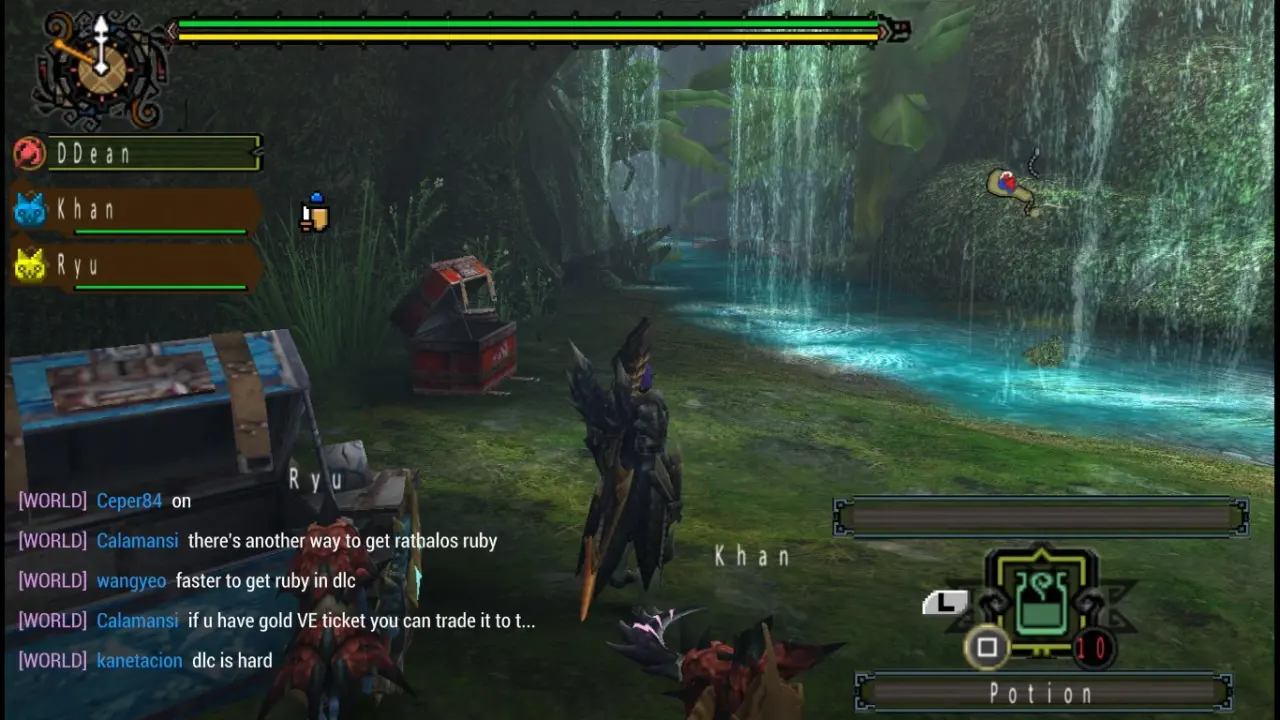
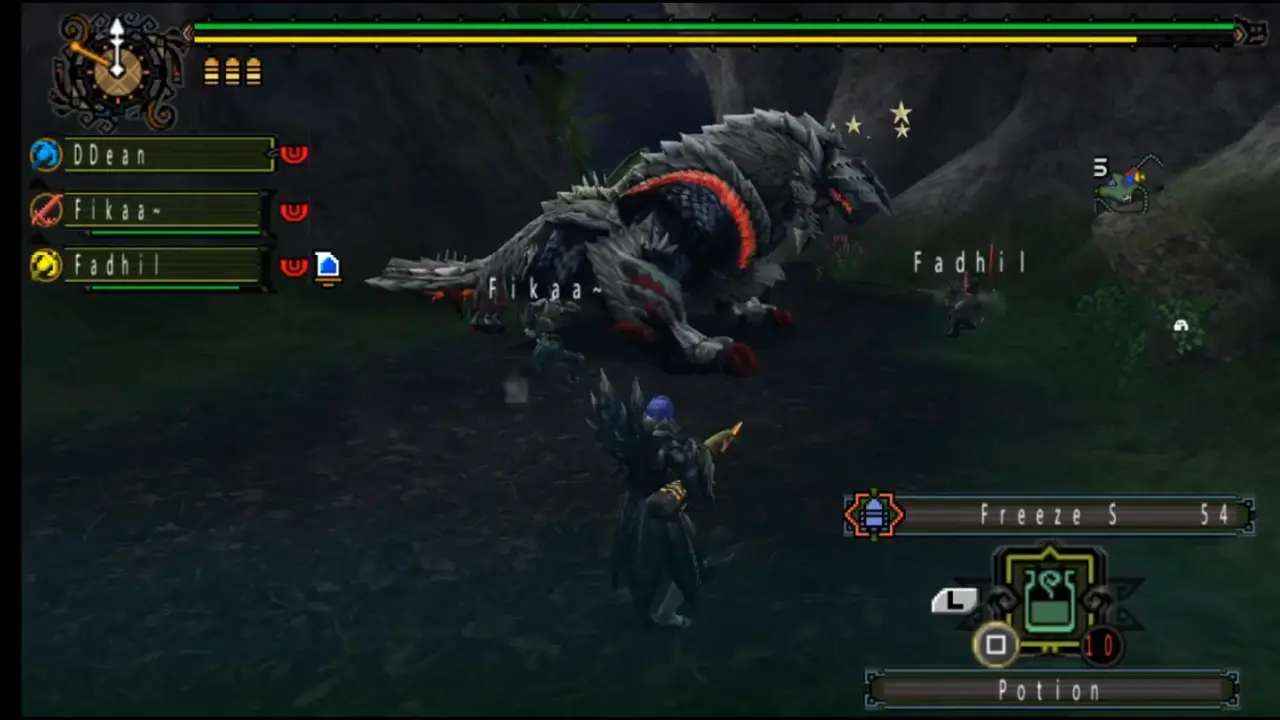
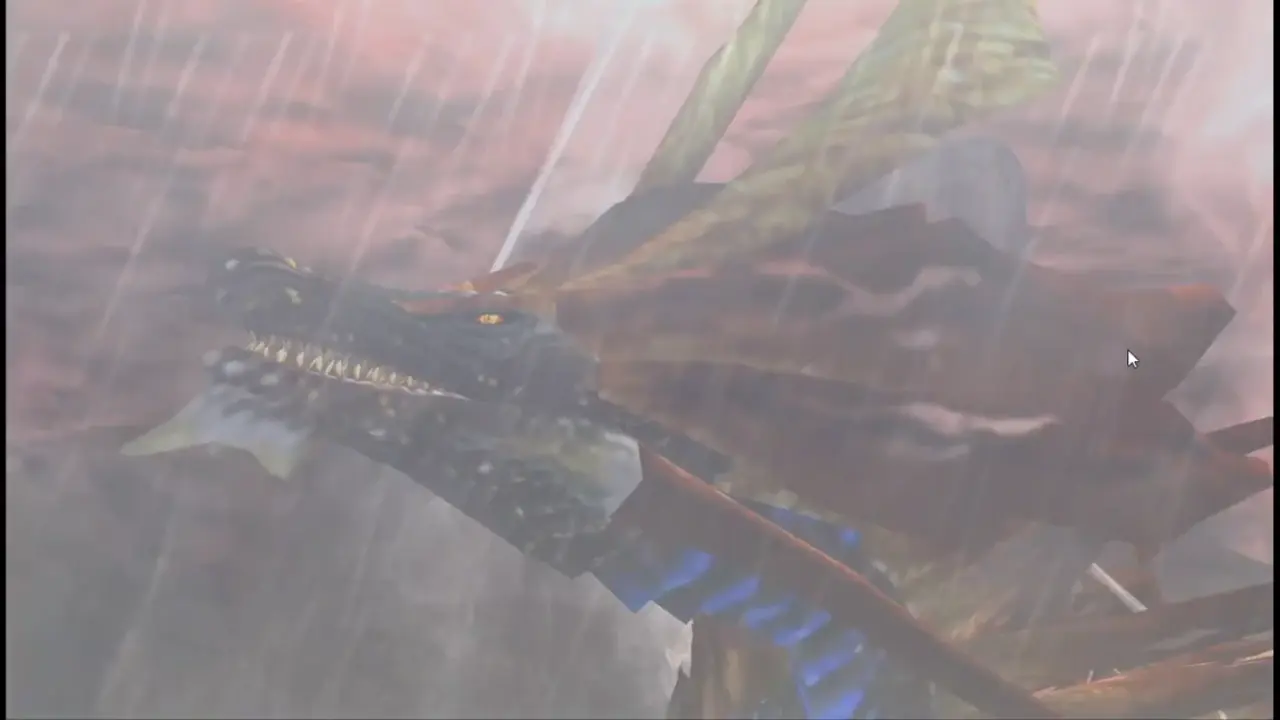
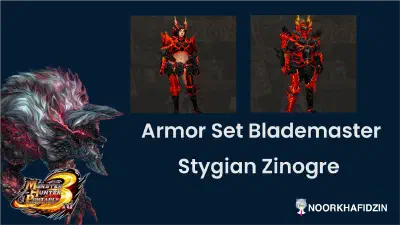
- HD Monster Textures: High-resolution skins for iconic monsters like Zinogre, Rathalos, and Amatsugatsuchi.
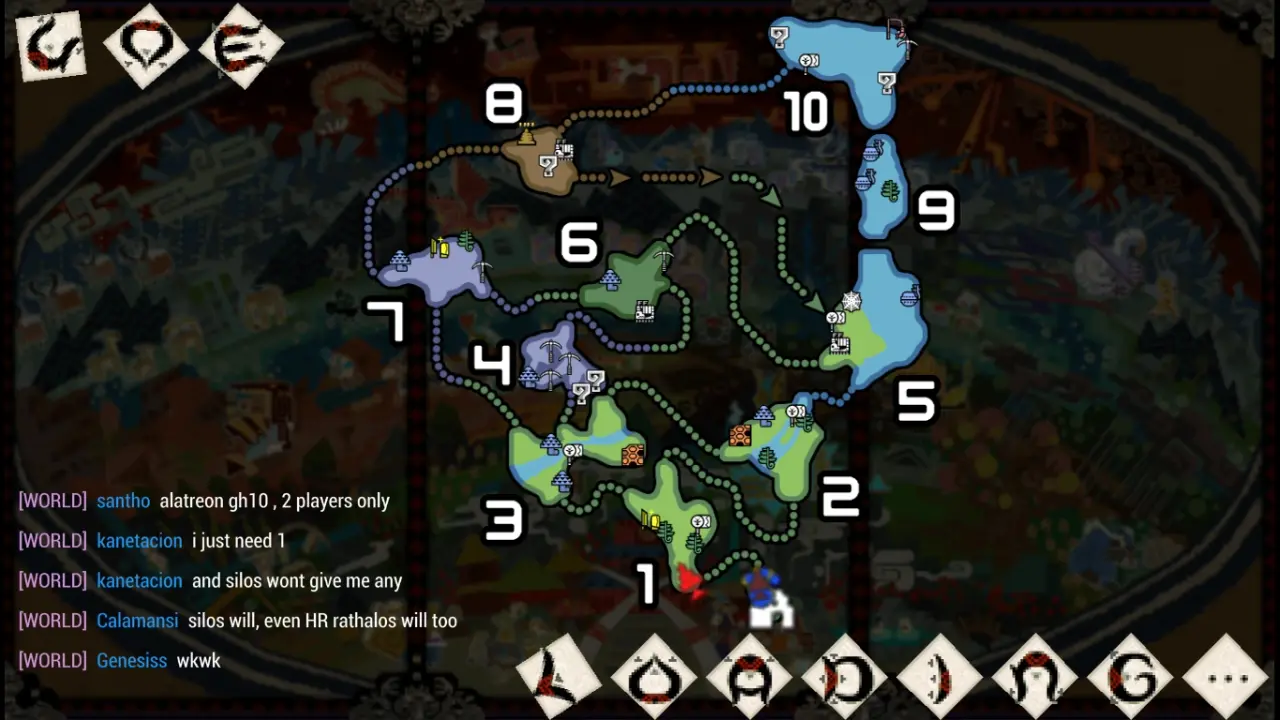
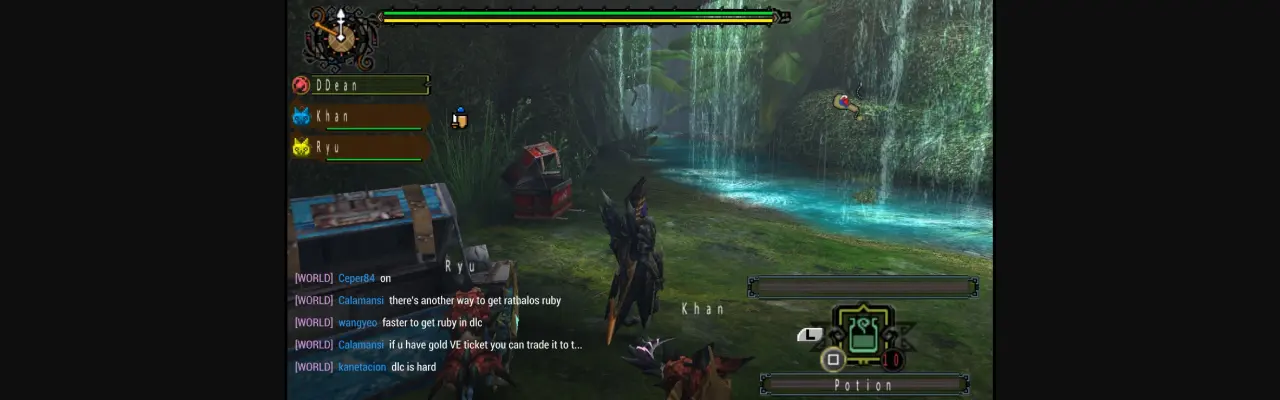
- Enhanced UI & Maps: Improved map clarity with new resource icons and a sleek custom status bar.
- Premium Armor Sets: Custom textures for elite gear, including the Silver Rathalos set.
- Sharper Item Assets: Better item icons and environmental textures for a modern look.
MHP3RD HD Visual Gallery #
See the incredible difference this mhp3rd texture pack makes in-game through our responsive gallery:
Download MHP3RD Texture Pack #
Ready to upgrade your hunt? Grab the best mhp3rd texture pack download 2025 files below to enhance the graphics of the texture monster hunter 3rd uljm05800 version:
Download MHP3RD HD Texture Pack (.rar)
How to Install the MHP3RD Mod on PPSSPP #
Follow these steps to correctly apply the mhp3rd texture pack:
- Extract the Files: Unzip the downloaded
NPJB40001folder. - Locate Texture Directory:
- For PPSSPP: Place the folder in
PSP/TEXTURES/. - For Amultios: Place it in
Amultios/memstick/PSP/TEXTURES/.
- For PPSSPP: Place the folder in
- Enable Replace Textures: Open your emulator and navigate to Settings > Tools > Developer Tools.
- Configuration: Check the box for Replace Textures.
- Launch Game: Start mhp3rd and enjoy the high-definition hunt!