

I have 2 Git accounts. One time I was making a side project. When I pushed to GitHub and looked at the commit, oh no! The commit used the wrong account, not the one for that repo. Turns out I still had the global Git setting. I didn’t know about this because I always use just one account before 😂
So I make this article to learn how to use 2 Git accounts on 1 device and keep it as a note for myself.
The solution is simple. You need to set up a local config. It’s even easier if you make a .gitconfig file to avoid mistakes with names and emails. Here are the steps to use 2 Git accounts on 1 device.
1. Make 2 SSH Keys for Each Account #
ssh-keygen -t ed25519 -C "[email protected]" -f ~/.ssh/id_ed25519_work
ssh-keygen -t ed25519 -C "[email protected]" -f ~/.ssh/id_ed25519_personal
Add each public key to your GitHub / GitLab account with the right email. If you still use PAT (Personal Access Token), it’s better to change to SSH.
2. Add SSH Keys to the Agent #
So you don’t have to type the passphrase over and over:
ssh-add ~/.ssh/id_ed25519_work
ssh-add ~/.ssh/id_ed25519_personal
Check:
ssh-add -l3. Set Up ~/.ssh/config
#
This is where we start to set up the Git config on your device.
nano ~/.ssh/configAdd this:
 1# Work Account
 2Host github-work
 3    HostName github.com
 4    User git
 5    IdentityFile ~/.ssh/id_ed25519_work
 6
 7# Personal Account
 8Host github-personal
 9    HostName github.com
10    User git
11    IdentityFile ~/.ssh/id_ed25519_personal
Clone a repo using the host name:
git clone git@github-work:company/repo-kerja.git
git clone git@github-personal:namamu/repo-pribadi.git
4. Set Up ~/.gitconfig by Folder
#
So you don’t have to run commands to set the name and email for each account, make a config file.
Make or open the file:
nano ~/.gitconfigAdd this:
[user]
    name = Your Real Name
    email = [email protected]

[includeIf "gitdir:~/work/**"]
    path = ~/.gitconfig-work

[includeIf "gitdir:~/personal/**"]
    path = ~/.gitconfig-personal
Then make these files:
~/.gitconfig-work
#
[user]
    name = Your Real Name Work
    email = [email protected]
~/.gitconfig-personal
#
[user]
    name = Your Real Name Personal
    email = [email protected]
Folder structure:
~/work/      → all work repos
~/personal/  → all personal repos
5. Check Your Info Before Commit #
Go to your repo folder and run:
git config --list --localOr just check the name and email:
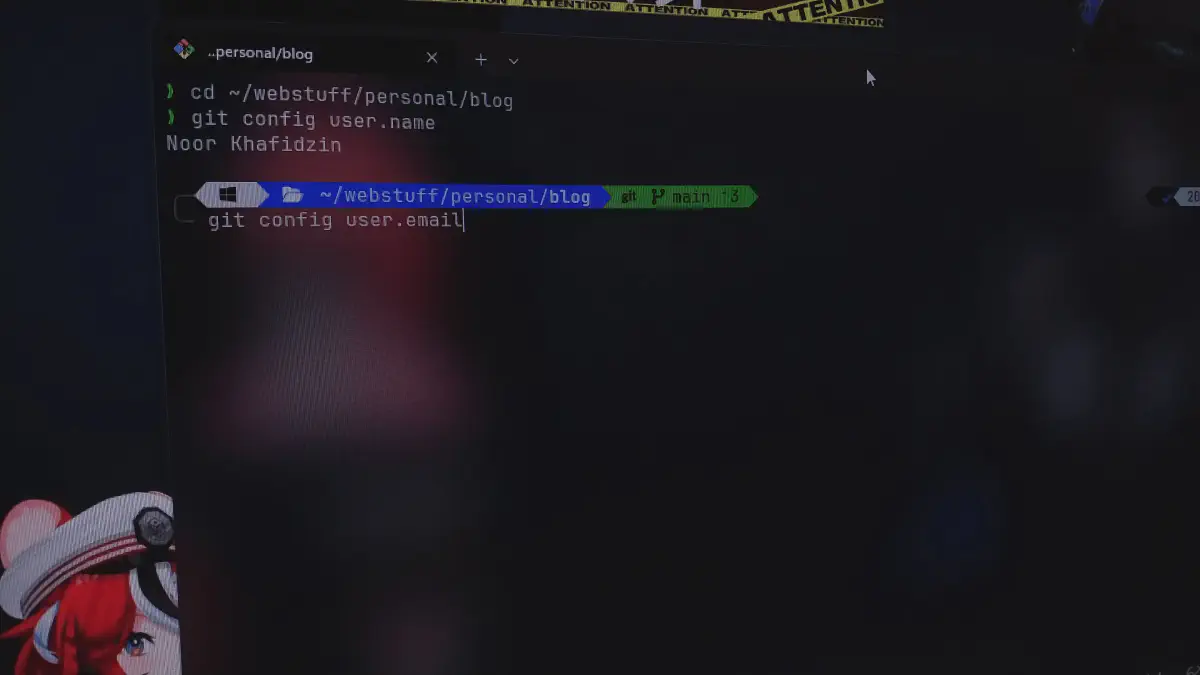
git config user.name
git config user.email
If they are not right, don’t commit yet.
That’s how you use 2 Git accounts on 1 device so you don’t mix up the accounts when you commit.