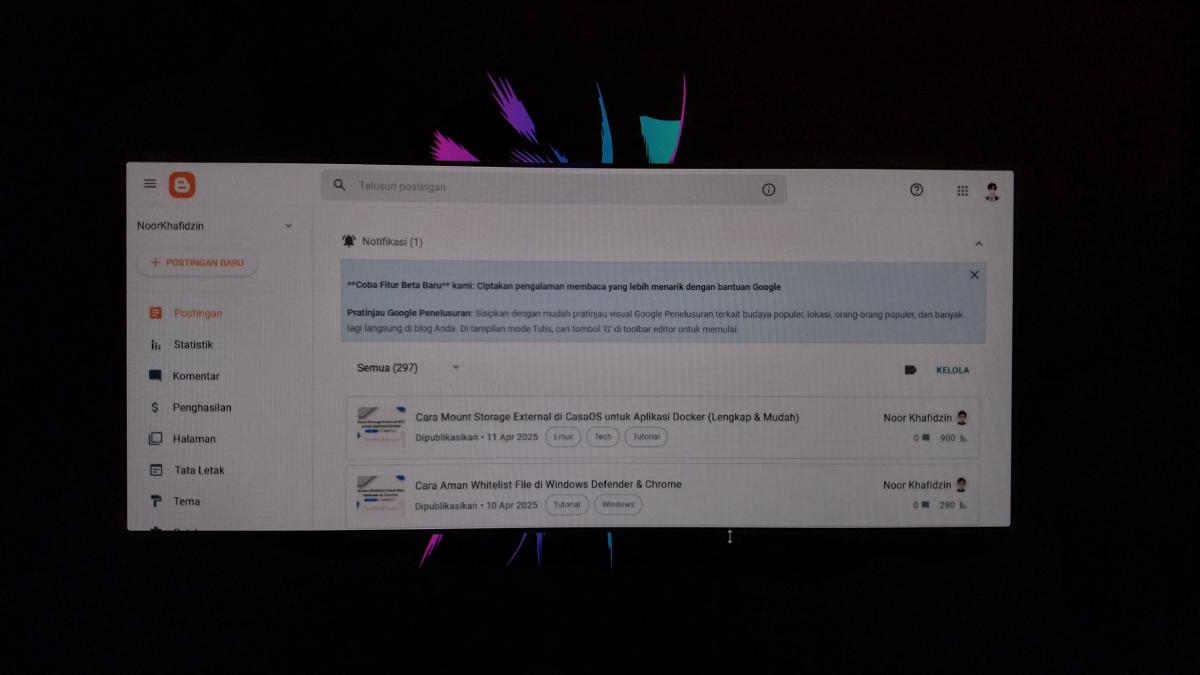


Moving from a legacy platform like Blogger to a modern static site generator (SSG) like Hugo is a major upgrade for any blogger. It gives you better performance, version control via GitHub, and total ownership of your content.
In the past, backing up your Blogger content was as simple as exporting a .xml file. However, things have changed. Google now uses Google Takeout for blog backups, which provides your articles in a .atom format.
If you are looking to move from Blogger to a static site generator like Hugo, you’ve likely realized that most old tools still look for that old XML file. To bridge this gap, you need a modern solution. Enter the Blogger Atom to Hugo Markdown Converter, a Python-based tool designed specifically to handle the new Google Takeout format.
Features #
Transitioning to Hugo doesn’t have to be a manual headache. Our tool handles the heavy lifting with the following features:
- URL Consistency: It automatically converts paths from
/yyyy/mm/slug.htmlto a clean Hugo structure:/posts/slug/. - Redirect Aliases: To prevent “404 Not Found” errors, the tool adds redirect aliases to your Hugo front matter. This ensures your old links from Google Search still work.
- Local Image Hosting: Instead of relying on Blogger’s servers, it downloads all images and saves them into local folders (e.g.,
/images/inside each post folder). - Clean Markdown: It handles the conversion of HTML elements like images and simple tables into clean Markdown.
How to Set It Up #
1. Installation #
First, ensure you have Python installed. Then, clone the project and install the dependencies:
git clone https://github.com/noorkhafidzin/blogger2hugo.git
cd blogger2hugo
pip install -r requirements.txt
2. Converting Your Posts #
Once you have your .atom file from Google Takeout, run the script with this command:
python blogger2hugo.py your-file.atomThe script will generate a content/ folder where each post gets its own sub-directory. This Leaf Bundle structure is the recommended way to organize Hugo content, making it very easy to manage images.
Troubleshooting Windows Installation #
If you are on Windows, you might encounter issues installing certain dependencies like lxml. Don’t worry—the project includes Docker support to make it easy.
-
Build the Image:
docker build -t blogger2hugo . -
Run the Script via Docker:
docker run --rm -v ${PWD}:/app blogger2hugo your-file.atom
Using Docker ensures the script runs in a perfect environment regardless of your operating system.
Things to Keep in Mind #
While this tool handles the majority of the work, keep these limitations in mind:
-
Complex Layouts: If your Blogger posts used heavy custom HTML or specific widgets, those will be kept as raw HTML. You may need to do a quick manual check.
-
Advanced Tables: Tables with
colspanorrowspanmight not render perfectly in standard Markdown and may require minor tweaks.
Final Thoughts #
Moving to Hugo is a fantastic way to improve your site’s performance and developer experience. By using a tool that understands the modern Google Takeout .atom format, you can save hours of manual work and keep your SEO rankings intact.
Ready to start your migration? Head over to the GitHub Repository to get the code.