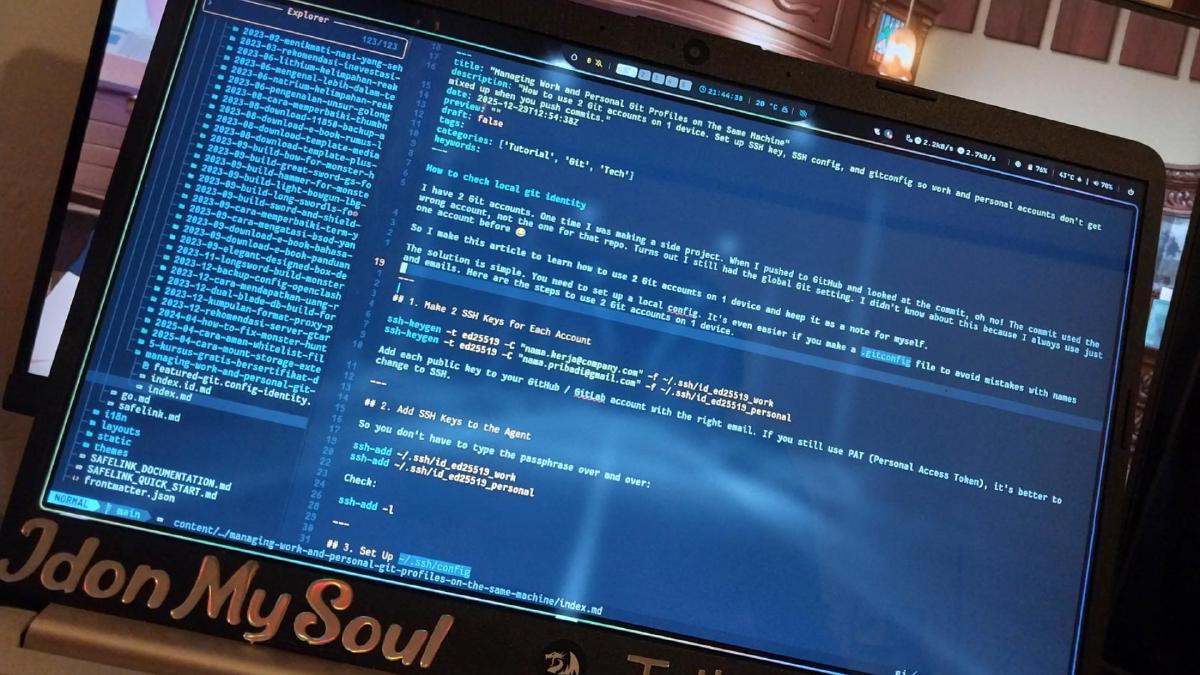



I first started writing on Blogger back in 2014, when I was still in junior high school. My journey began when I entered a blogging competition—and fortunately, I won 2nd place and even got featured in the newspaper! 🤣
However, after nearly a decade of using Blogger (even though I wasn’t always consistent), I started to feel that the platform was stagnant. Editing themes was a headache because the syntax was complicated, and everything was crammed into a single giant XML file. While the “Layout” editor made some things easy, you were still very limited by the theme’s structure.
Markdown: A Small but Crucial Reason #
Recently, I started migrating my notes to Obsidian, where everything is written in Markdown (MD). I realized that writing in Markdown is much more comfortable than writing HTML in the Blogger editor. It is simple, fast, and I don’t have to deal with repeated <div> or <span> tags.
Hugo uses Markdown as its primary content format. This means my blog posts can stay perfectly in sync with the notes I already have in Obsidian. For example, an article can be written like this:
---
title: "How to Migrate from Blogger to Hugo"
date: 2025-12-27
tags: ["blogging", "hugo", "markdown"]
---

This is the first paragraph of my article. Markdown makes it easy to write **bold**, _italic_, or lists:

- First point
- Second point
It feels great to use the same format for both my private notes and my public blog.
Flexibility and Full Control #
One of the biggest changes I felt after moving to Hugo was the feeling of having full control over my own blog.
In Blogger, the entire theme is stored in one massive XML file. If you want to change a small part, like the header or footer, you often have to scroll through thousands of lines and hope you don’t break anything. Additionally, you cannot upload files freely to the root folder. Want to add ads.txt, a custom robots.txt, or verification files? You have to use “hacks,” and sometimes it’s impossible.
In Hugo, everything follows a logical structure.
Breaking Templates into Small Modules #
In Hugo, layouts can be split into small files called partials.
Example structure:
layouts/
 └─ partials/
     ├─ header.html
     ├─ footer.html
     └─ related.html
Then, in the main template, we just call them like this:
{{ partial "header.html" . }}
{{ partial "related.html" . }}
{{ partial "footer.html" . }}
Need to change the footer? Just edit footer.html. Most themes make this even easier by allowing you to edit the hugo.toml file for basic configurations.
Adding Features Without HTML Mess #
Besides partials, Hugo has shortcodes. These are very helpful when you want to add specific components to an article without writing long HTML code every time.
For example, I created a file:
layouts/shortcodes/notice.html
The content:
<div class="notice">
  {{ .Inner }}
</div>
Now, in my Markdown article, I just write:
{{< notice >}}
This is an important note for the reader.
{{< /notice >}}
Compared to Blogger—where I had to manually type <div class="notice">...</div> over and over—Hugo is much cleaner and more consistent.
Full Access to Site Structure #
In Hugo, I am free to:
- Edit the
robots.txtfile. - Add files to the root directory (like
ads.txt,sitemap.xml, or domain verification files). - Customize my own URL structure.
- Create specific folders for certain content (e.g.,
/homelab,/landing).
These things were either “impossible” or very complicated to do in Blogger.
Free, Fast, and High Performance #
Another reason I committed to Hugo is that it is free, fast, and cost-effective (even $0).
Free, Open Source, and Many Themes #
Hugo is open source and 100% free. There are many themes available that you can choose and modify. There are no subscription fees or feature limits hidden behind a “premium” plan.
Lightning Fast Loading #
Because Hugo generates a static site, all pages are pre-built into HTML. There are no database queries or heavy processing on the server.
The result?
- Much faster page load times.
- Better SEO (Search Engine Optimization).
- A better reading experience, even on slow internet connections.
Unlimited Storage on GitHub + Free Hosting #
I store all my Hugo files on GitHub. This means:
- GitHub acts as my “content storage.”
- I essentially have unlimited storage for articles, images, and assets.
For hosting, I don’t need a paid server. I can use:
- GitHub Pages
- Cloudflare Pages
- Netlify or Vercel
All of these are free for personal blogs. I used Blogger because it was free; now I use Hugo—it’s still free, but with full control and much better performance.
Hugo’s Weaknesses and Practical Solutions #
Hugo doesn’t have a WYSIWYG (What You See Is What You Get) editor, so it’s not as “visual” as Blogger. Organizing content can also feel technical. Fortunately, I found the Front Matter CMS plugin for VSCode, which makes managing Markdown content much easier. Now I can create new files and manage metadata like titles, dates, and tags easily.
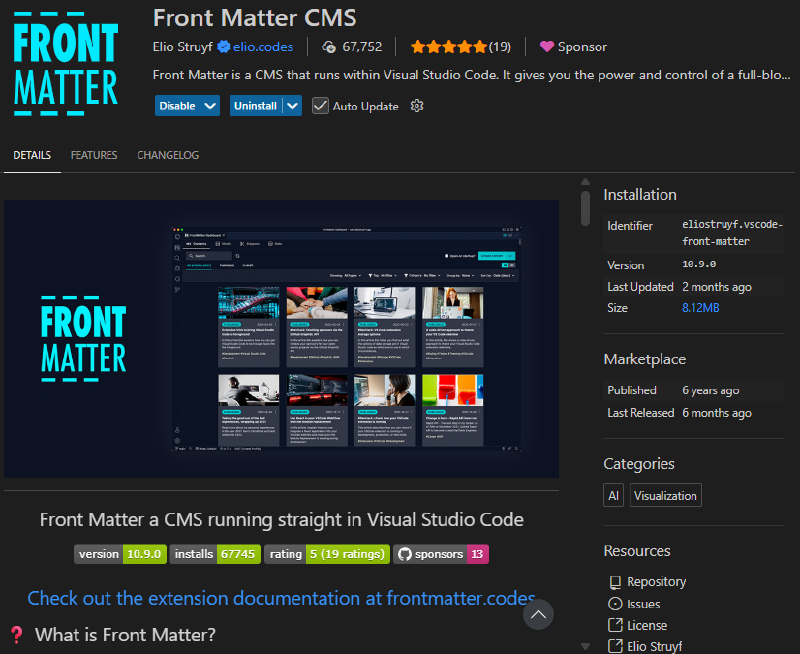
With this, my writing workflow is structured and neat, even without a Blogger-style dashboard.
Old Memories vs. The Future #
Blogger accompanied me since I was a teenager. It holds sweet memories of competitions and learning HTML. However, Blogger’s development feels slow compared to other Google products. Meanwhile, Hugo gives me the chance to learn new things: Markdown, partials, shortcodes, developer workflows, and total control over my site.
This migration isn’t about leaving old memories behind. Instead, it’s a step to improve my productivity and modernize the way I write. There is a learning curve, but that challenge is exactly what makes the process interesting.